Solution
4.1 Helm
Helm is the package manager for Kubernetes. Instead of manually applying individual YAML files, Helm bundles everything into a chart.
There are three core concepts:
- A chart is a bundle with all the information needed to install a Kubernetes application.
- The config (
values.yaml) contains configuration that can be merged with a chart. - A release is a running instance of a chart combined with specific configuration.
Installation via the official Helm docs.
a) Default chart
Creating the cluster:
An Autopilot GKE cluster was created: week4-cluster.
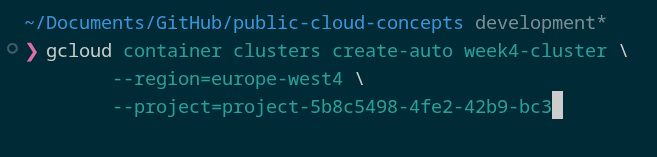
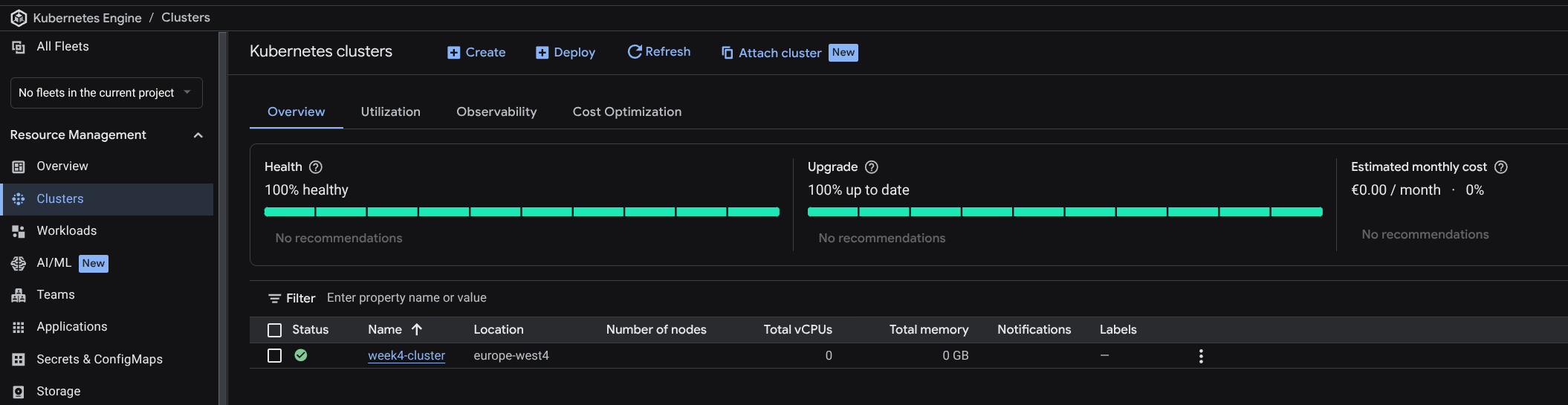
gcloud container clusters get-credentials week4-cluster --region=europe-west4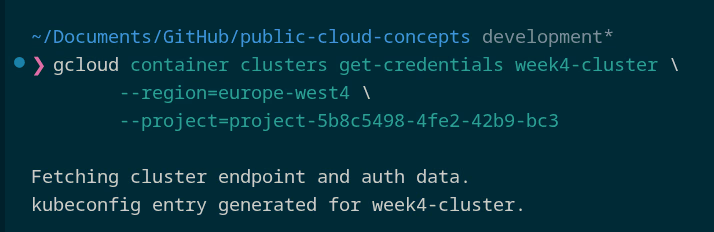
Creating a Helm chart:
helm create public-cloud-concepts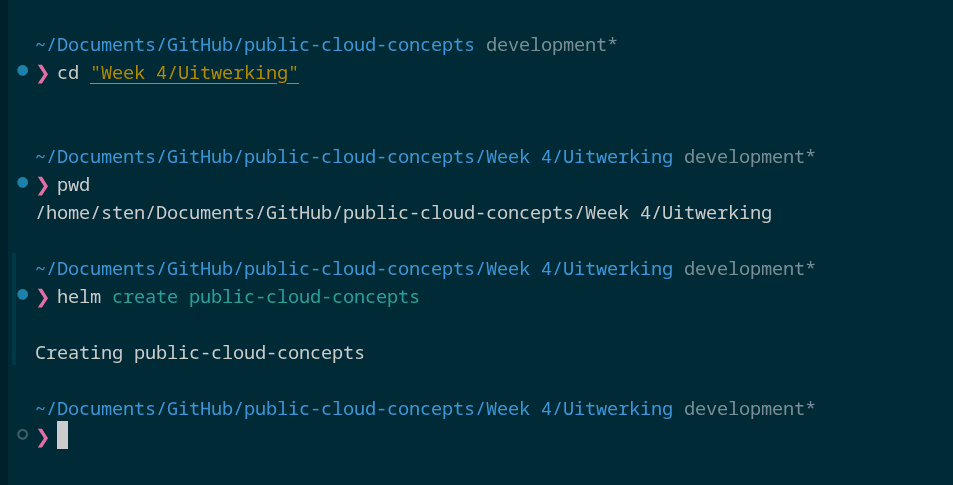
Chart structure:
charts/- dependencies (empty by default)templates/- Kubernetes YAML files with variables fromvalues.yamlChart.yaml- metadata (name, version, description)values.yaml- default configuration values
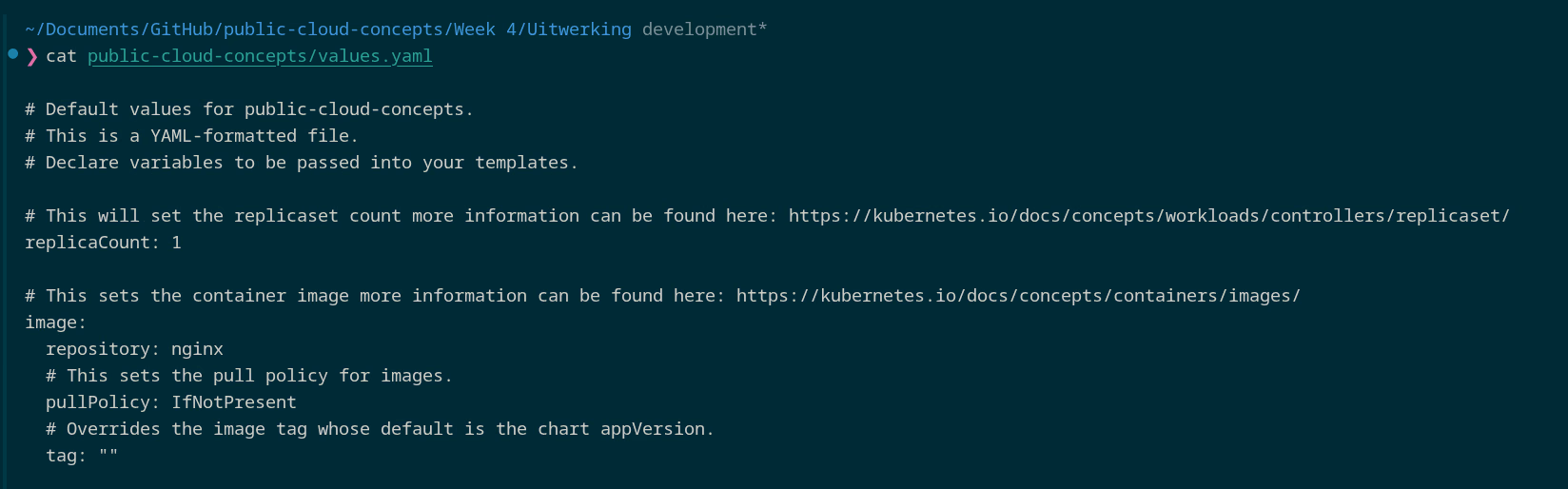
Default values: replicaCount: 1, image nginx, service.type: ClusterIP, Ingress disabled.
Installing as v1:
helm install public-cloud-concepts-v1 public-cloud-concepts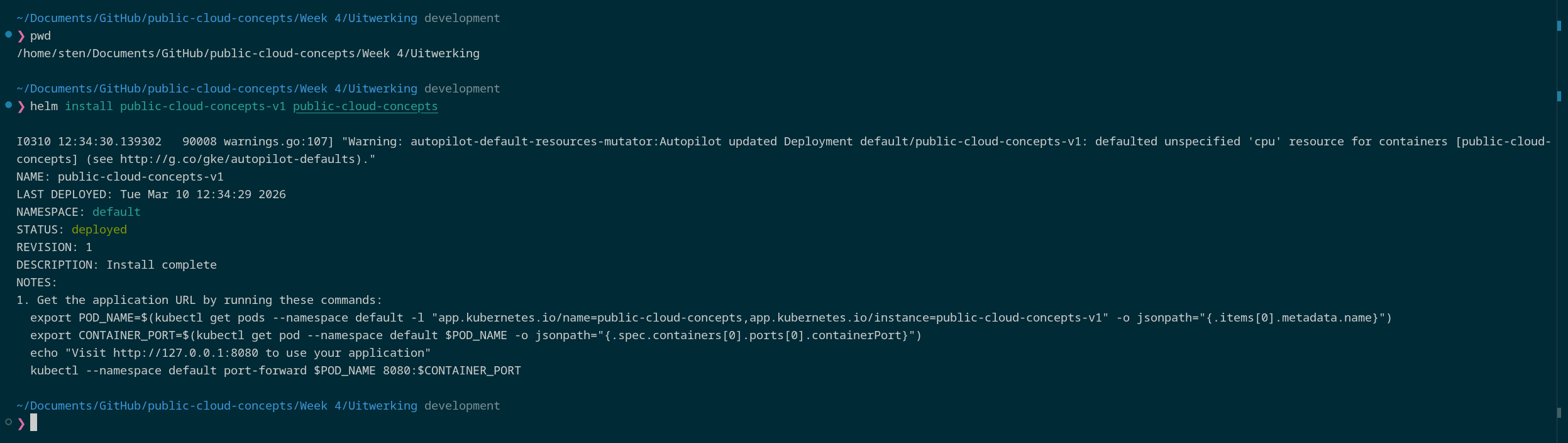
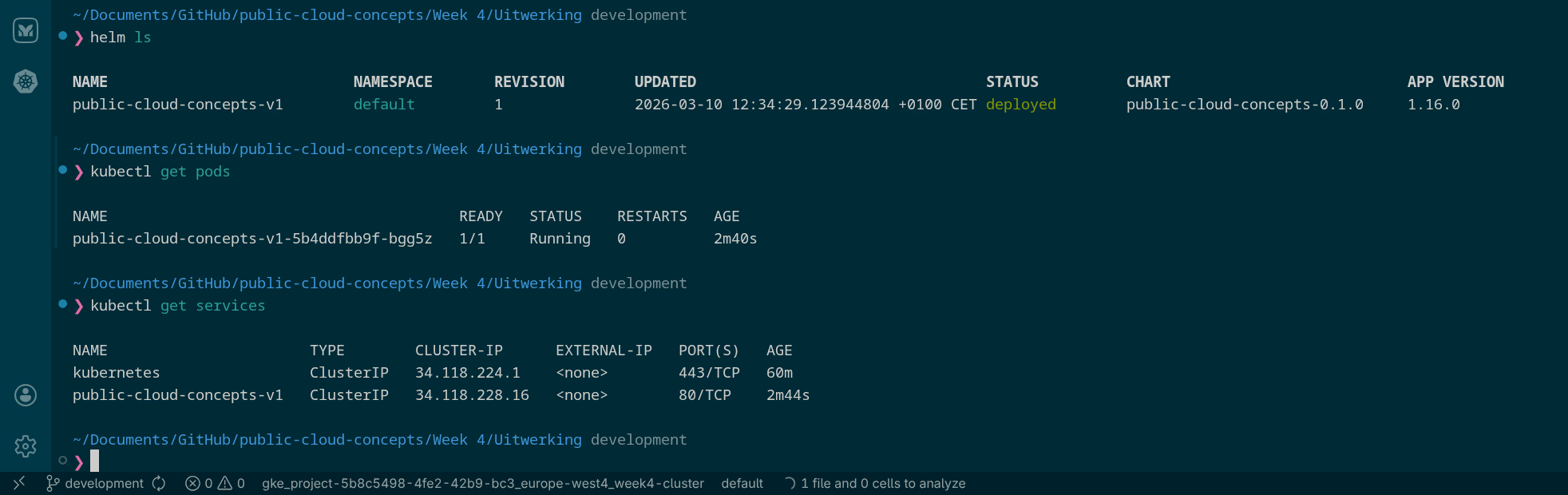
Updating to v2:
Two values changed in values.yaml:
-replicaCount: 1
+replicaCount: 2

 ingress:
-  enabled: false
+  enabled: true
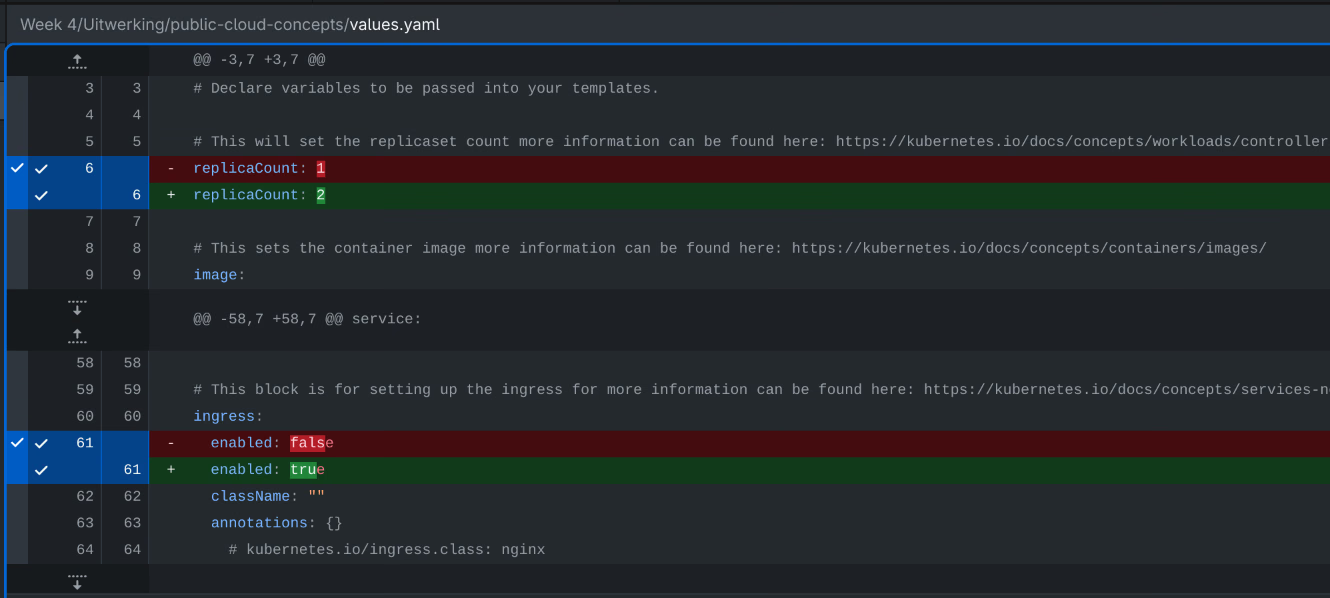
helm upgrade public-cloud-concepts-v1 public-cloud-concepts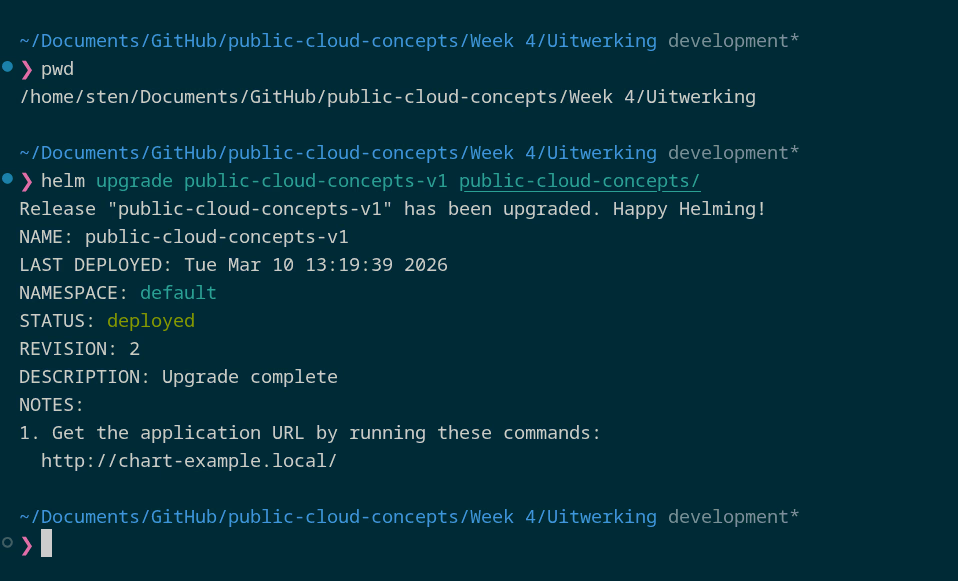
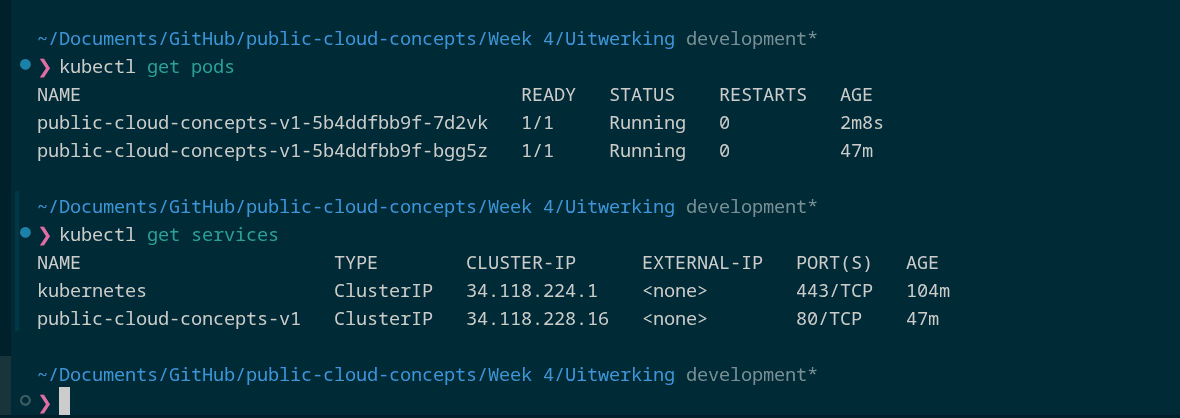
helm history public-cloud-concepts-v1
# REVISION 1: superseded
# REVISION 2: deployed
Rollback:
helm rollback public-cloud-concepts-v1 1Uninstall:
helm uninstall public-cloud-concepts-v1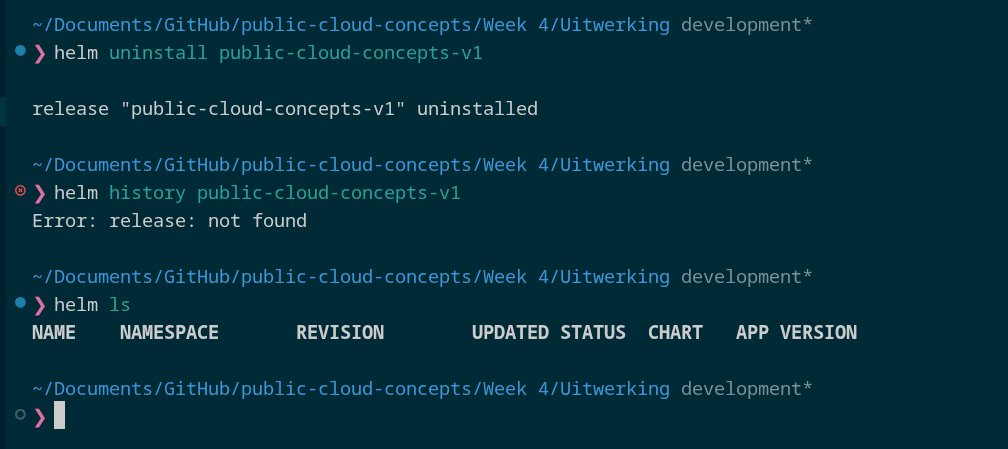
b) Own application
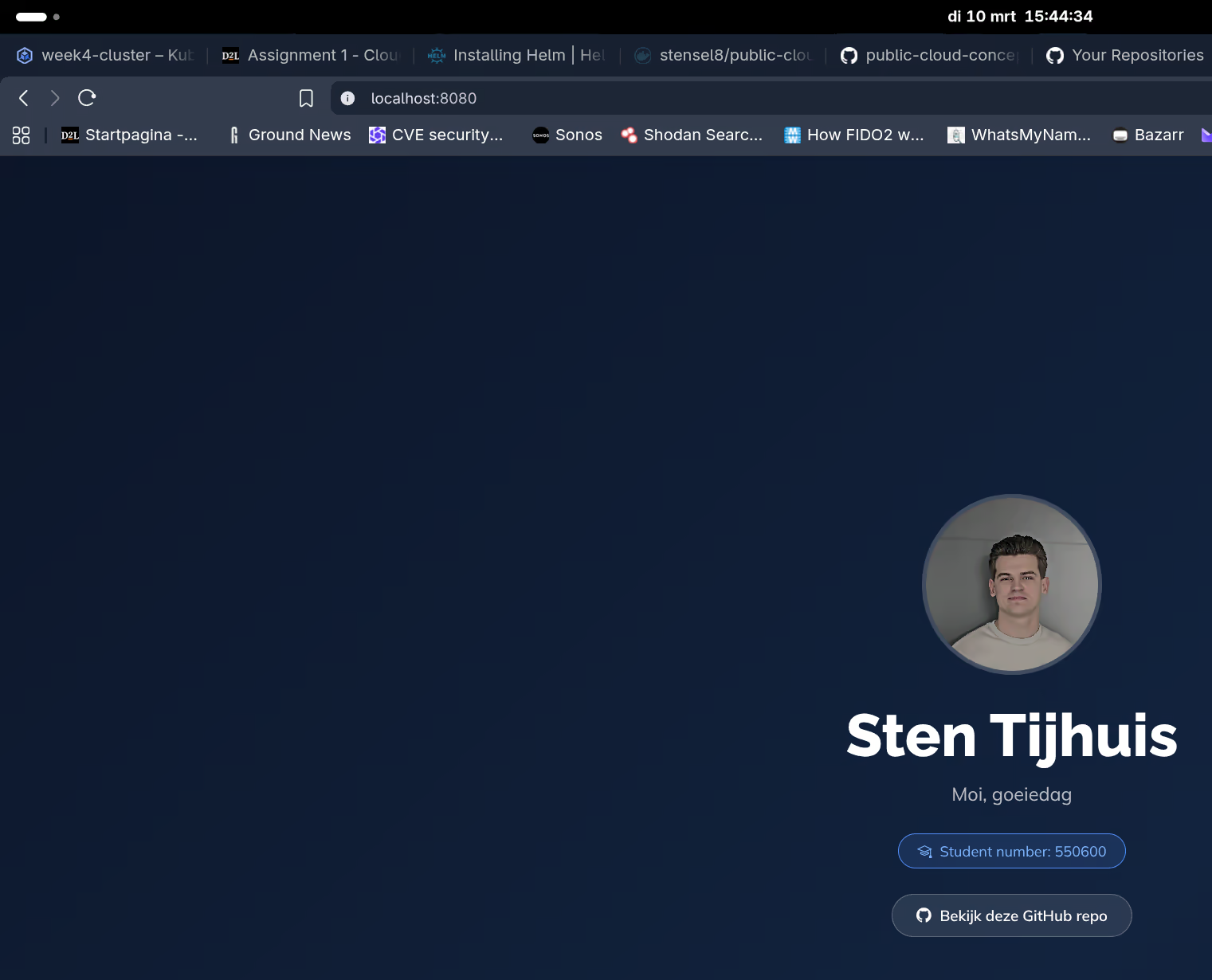
The static-site chart uses the Docker image from Week 1 and 2. In values.yaml the default nginx image was replaced:
 image:
-  repository: nginx
+  repository: stensel8/public-cloud-concepts
+  tag: "latest"
helm install static-site-v1 ./static-site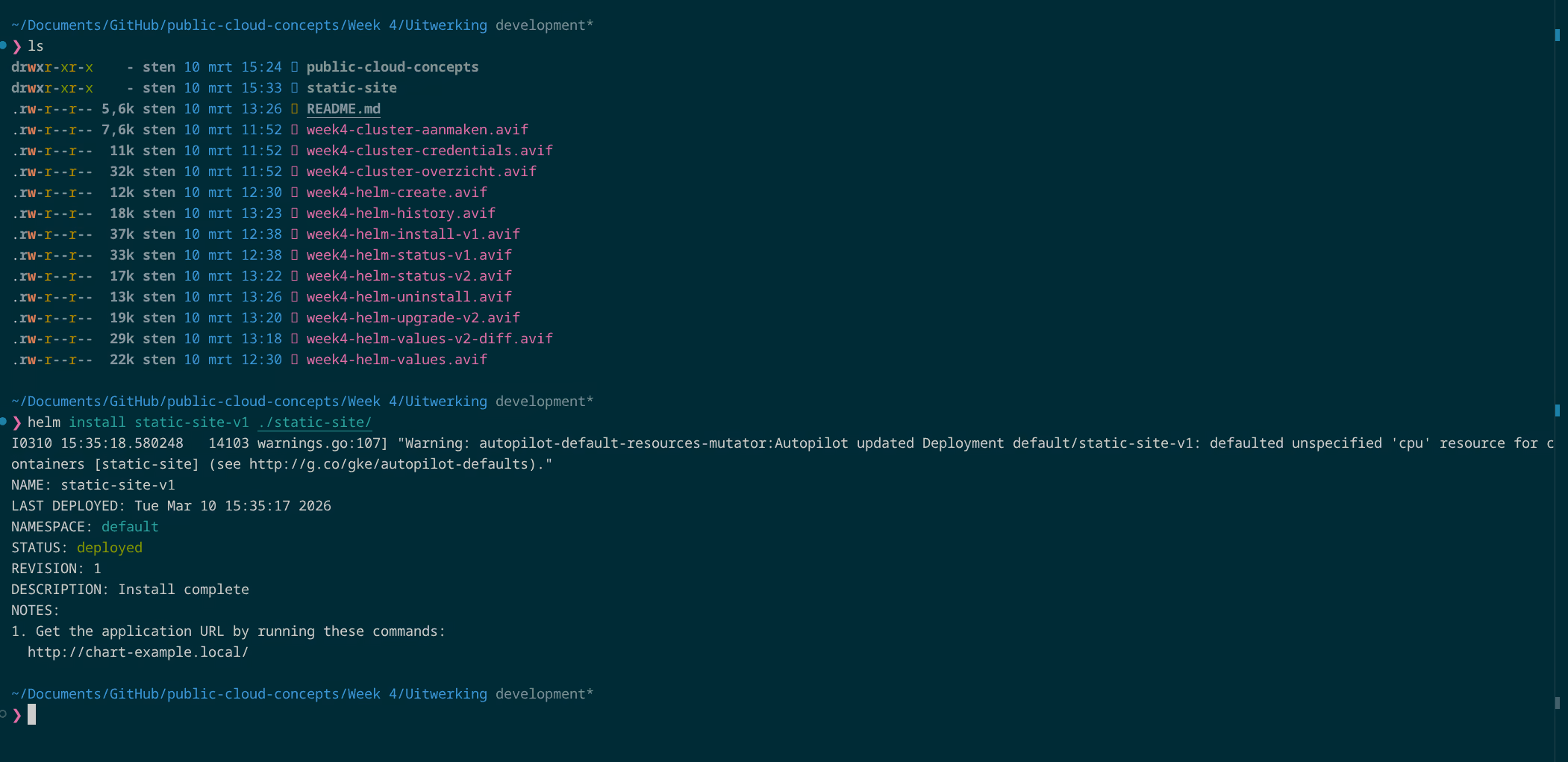
kubectl port-forward svc/static-site-v1 8080:80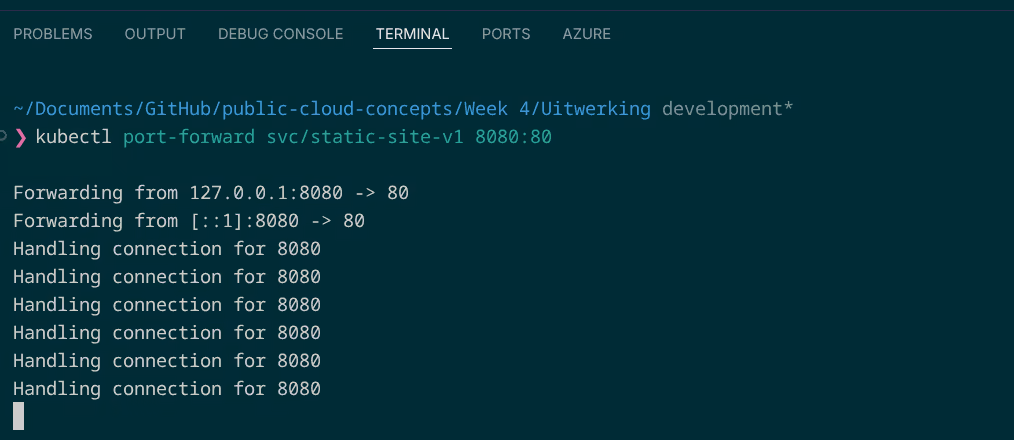
c) WordPress via Bitnami
helm repo add bitnami https://charts.bitnami.com/bitnami
helm repo update
The default helm install bitnami/wordpress does not work directly on GKE Autopilot. Three issues:
| Issue | Cause | Solution |
|---|---|---|
WP-CLI rejects [email protected] | WordPress considers this an invalid email address | Pass --set wordpressEmail |
| Ephemeral storage limit 50Mi | GKE Autopilot sets a default 50Mi limit - WordPress writes more temporary files | Set storage requests and limits explicitly higher |
| LoadBalancer service missing | Bug in Bitnami WordPress chart v29.2.0 | Extract the Service manually from the Helm manifest and apply it |
helm install my-wordpress bitnami/wordpress \
    --set wordpressUsername=admin \
    --set wordpressPassword=MijnWachtwoord123 \
    --set wordpressEmail=[email protected] \
    --set wordpressBlogName="Mijn Blog" \
    --set resources.requests.ephemeral-storage=1Gi \
    --set resources.limits.ephemeral-storage=2Gi \
    --set resources.requests.memory=256Mi \
    --set resources.requests.cpu=100m \
    --set mariadb.primary.resources.requests.ephemeral-storage=1Gi \
    --set mariadb.primary.resources.limits.ephemeral-storage=2Gi \
    --set mariadb.primary.resources.requests.memory=256Mi \
    --set mariadb.primary.resources.requests.cpu=100m
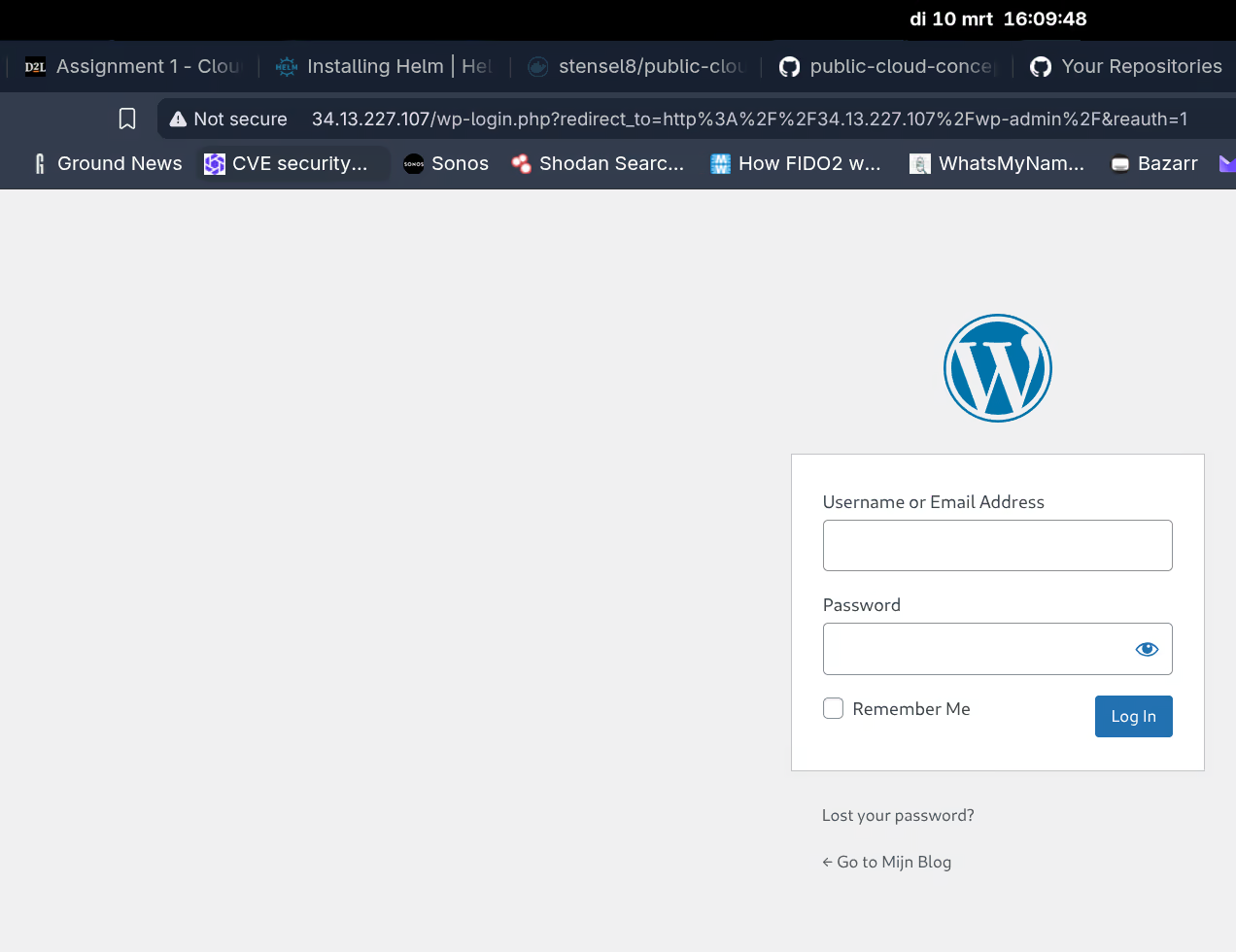
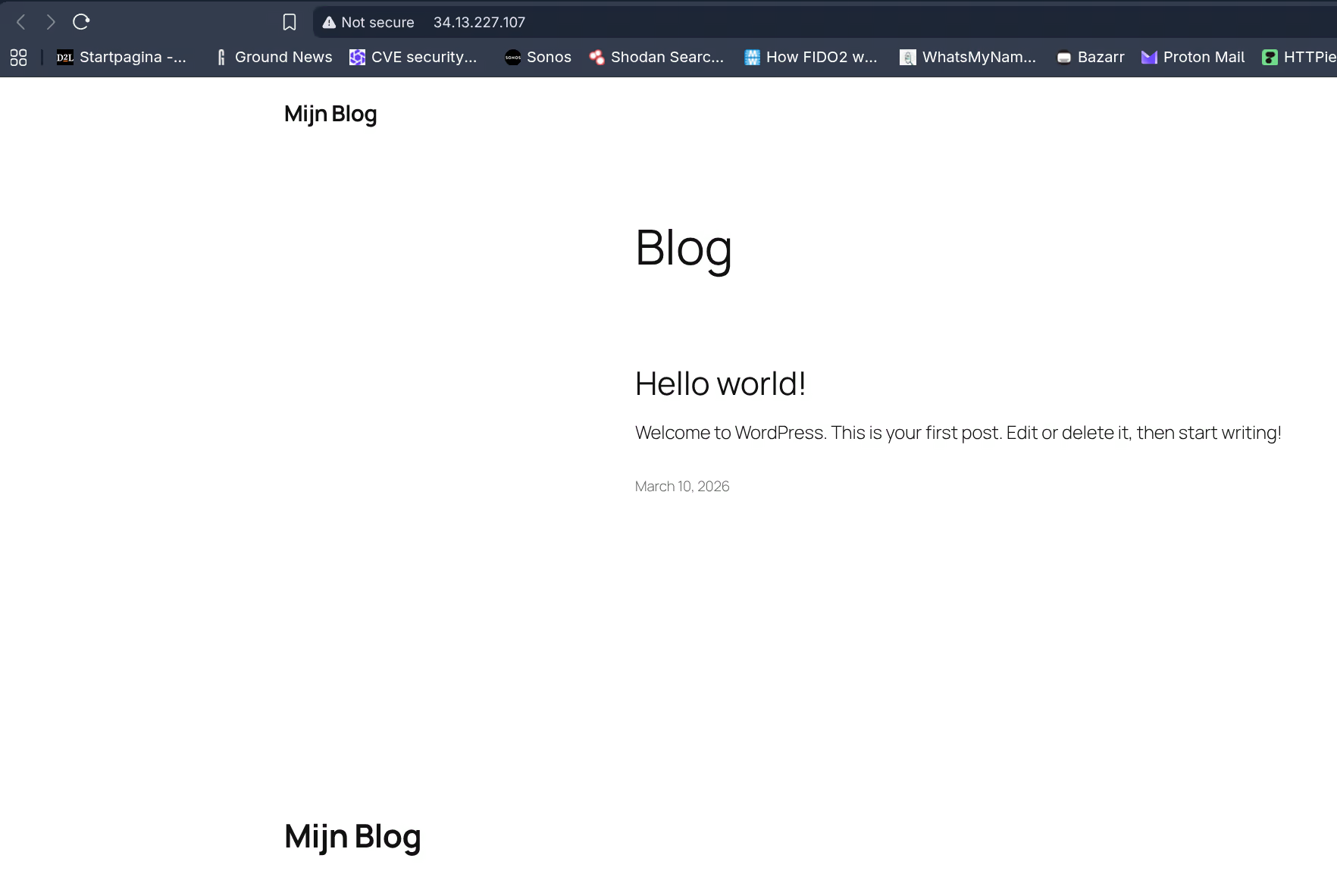
Service was missing after installation, created manually:
helm get manifest my-wordpress | awk '/Source: wordpress\/templates\/svc.yaml/,/^---/' | kubectl apply -f -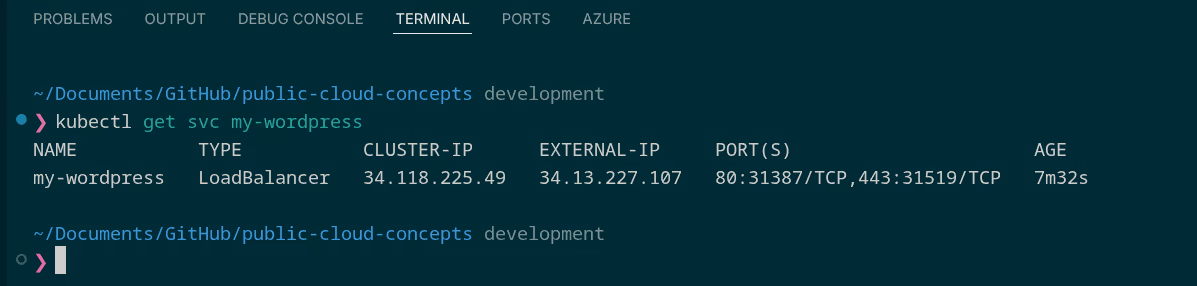
Cleanup:
helm uninstall my-wordpress
kubectl delete pvc --selector app.kubernetes.io/instance=my-wordpress
gcloud container clusters delete week4-cluster --region=europe-west4
4.2 IAM & Case Study: EHR Healthcare
EHR Healthcare is a company with on-premise infrastructure that wants to migrate to the cloud. They are interested in security and IAM. For each requested concept I explained what it is and why I would recommend it for this company.
1. Single Sign-On (SSO)
SSO means you log in once and then have access to multiple applications without having to authenticate again each time. In Azure this goes via Microsoft Entra ID. Via Azure AD Application Proxy or SAML integration this also works for on-premise applications.
For EHR I would definitely use this. Fewer separate passwords means less phishing risk, and employees do not need to maintain a separate account for each application.
2. Conditional Access
Conditional Access is policy that determines under which circumstances access is granted, such as only from managed devices or requiring MFA when logging in from an unknown country.
For EHR this is essential. They work with sensitive patient data, so access should not depend purely on a password. Location, device and risk level should also be factored in.
3. RBAC (Role-Based Access Control)
With RBAC you assign permissions based on roles rather than individual users. In Azure this works at subscription level, resource group level, or resource level.
For a controlled migration this is essential. By defining roles in advance (e.g. “Database administrator”, “Application administrator”) management stays clear and permissions automatically follow personnel changes.
4. Identity Protection
Microsoft Entra Identity Protection automatically detects risky login attempts, such as sign-ins from anonymous IP addresses, impossible travel (logging in from Amsterdam and Tokyo within an hour), or leaked passwords.
Most attacks start with compromised credentials. Identity Protection detects this and can automatically enforce MFA or block accounts. For EHR I would definitely use this.
5. Multi-Factor Authentication (MFA)
MFA is a second verification step in addition to the password, such as an authenticator app, SMS, or hardware token.
For EHR I would make this mandatory for all employees. MFA blocks the vast majority of account attacks, even if a password has been leaked. For healthcare this is simply a baseline measure.
6. Managed Identities and Service Principals
Managed Identities are Azure-managed identities for applications and services. No password needed; Azure handles the credentials automatically. Service Principals are the manual variant where you manage credentials yourself.
For cloud-native applications, Managed Identity is the better choice. No stored passwords in configuration files, automatic rotation, and direct integration with Azure RBAC. Service Principals are only used when an application runs outside Azure and needs to access Azure resources.